Use a local sky check
Start with the planet checker. It reports Mars’s height and direction for your chosen time. Clouds, trees and buildings can still hide the planet.
Then open the sky map and search for Mars. Compare its position with nearby stars. Mars may be below your horizon or lost in twilight.
Around opposition, Mars can appear brighter and remain up for much of the night. This improves opportunity. It does not promise a sharp telescope view.
From Earth, Mars usually looks like a small reddish point. Binoculars can help locate it. A telescope may show a small disk when distance and atmospheric steadiness cooperate.
Wait until Mars is comfortably above the horizon. Low objects pass through more atmosphere and can shimmer. Check again later if the planet sits behind a roof, tree or haze.
A reddish star can resemble Mars at a glance. Match Mars with nearby stars on the map before naming it. Keep that pattern in view while you check height and direction.
Use the same nearby star pattern on the map and in the sky. That check can catch an incorrect clock or a compass that needs adjustment. The map provides context. Your local sky decides what is visible.
Never point binoculars or a telescope near the Sun. A finder shows geometry. It cannot make a solar search safe.
Sources and image credits
- NASA Mars overview. Mars facts and observing context.
- NASA Night Sky Network: tracking Mars. Tracking Mars relative to nearby stars.
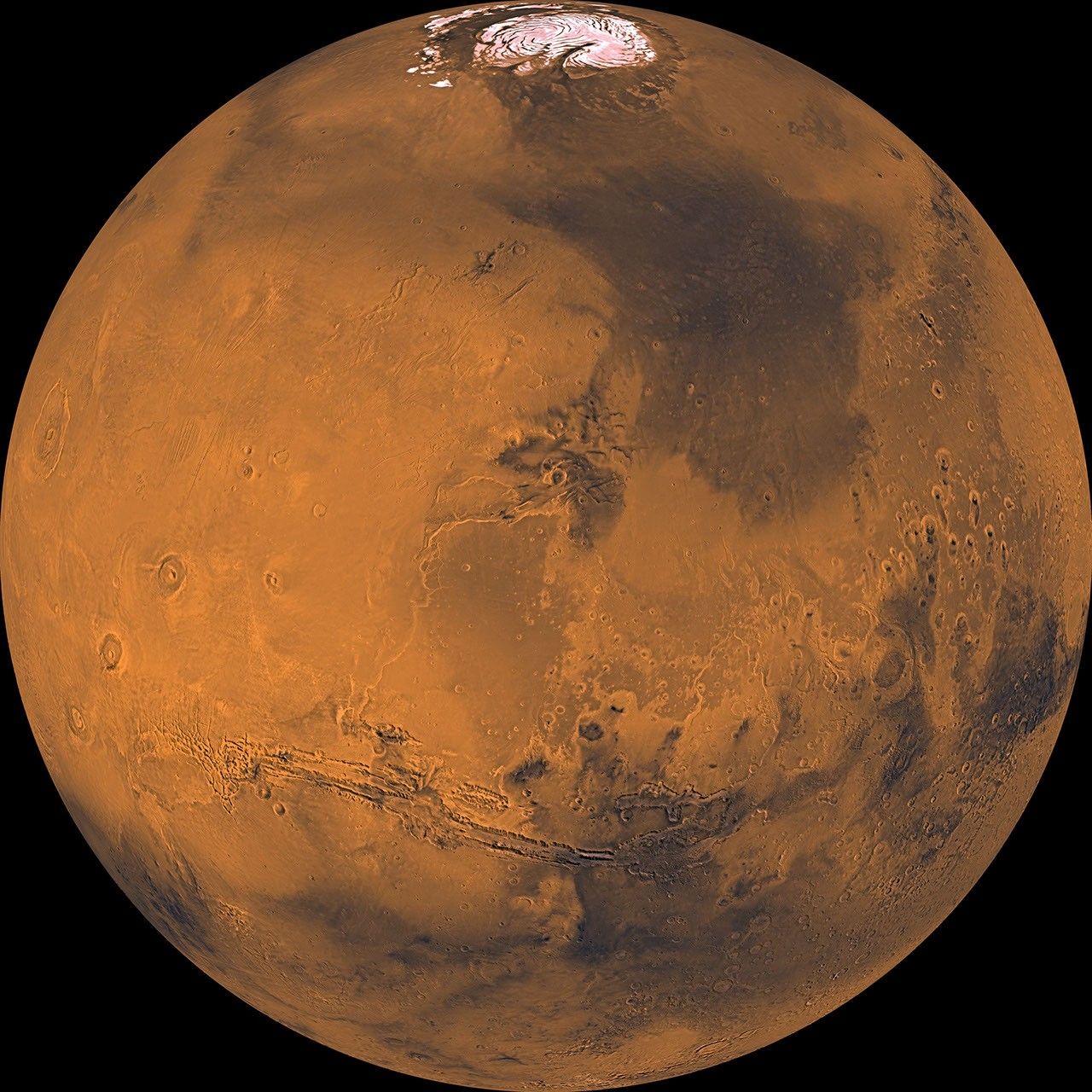
- NASA Viking Mars mosaic. Image processing record.
Written for beginners from the sources above. How we research and correct the library. Found an error? Tell us.